Lead capture and follow-up for field sales teams

Follow up before you leave the meeting.

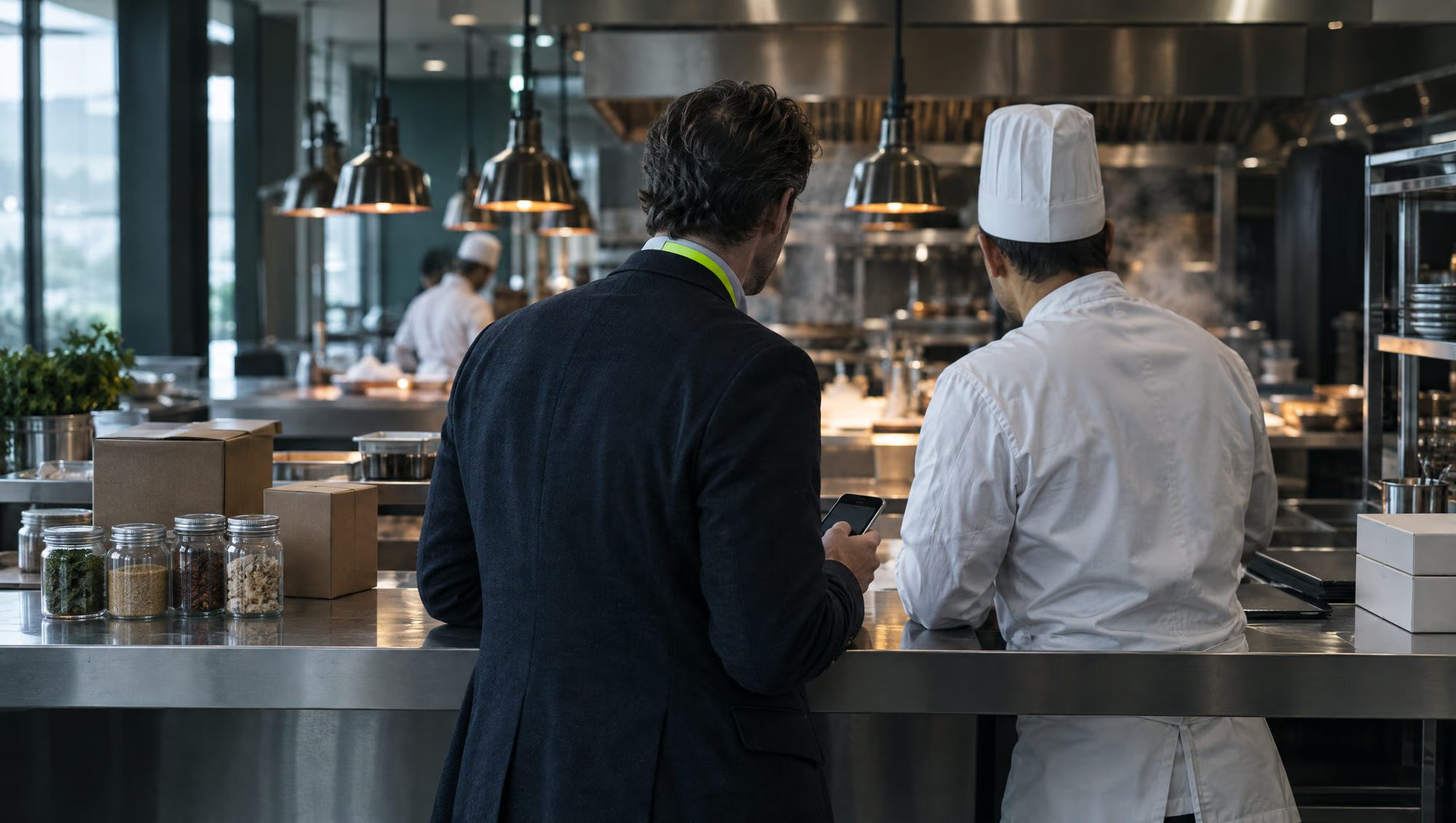
SEL XP is the lead capture and follow-up app for sales teams in the Gulf that sell face to face: on customer sites, on daily sales rounds and at exhibitions. Scan a card or note a lead, qualify on one screen and send the right catalogue by email or WhatsApp in about 30 seconds. It is in your CRM within a minute.

  • Site visits, sales rounds, exhibitions
  • Works with no signal
  • Arabic and English
  • Odoo, with Zoho CRM next
  • 30seconds

    from the meeting to a follow-up sent, by design

  • 1minute

    until the lead and its next task are in your CRM

  • 0bars

    of signal needed to save a lead

  • 2languages

    Arabic and English, on the card and in the app

After the meeting

Leave every meeting with a next step

A visit costs a morning. An exhibition costs a season's budget. What either is worth depends on what happens to the conversation afterwards.

The usual week

  • Cards from the week sit in a jacket pocket. Half reach the CRM, late.
  • The visit report is written on Thursday, from memory.
  • Two of your people call on the same buyer, and neither knows.
  • Nobody can say who was met this week, or what came of it.

With SEL XP

  • Every meeting is a lead in the CRM before the rep is back in the car.
  • What was asked for and what happens next are on the lead, with a date.
  • The second rep is told who met the buyer first, and where.
  • Leads, hot leads and follow-up, live, by team, by person and by how they were met.

What makes it different

Built for selling face to face

Reading a business card is the easy part. These are the things a card scanner does not do.

Wherever you met

A site visit and a stand are not the same conversation

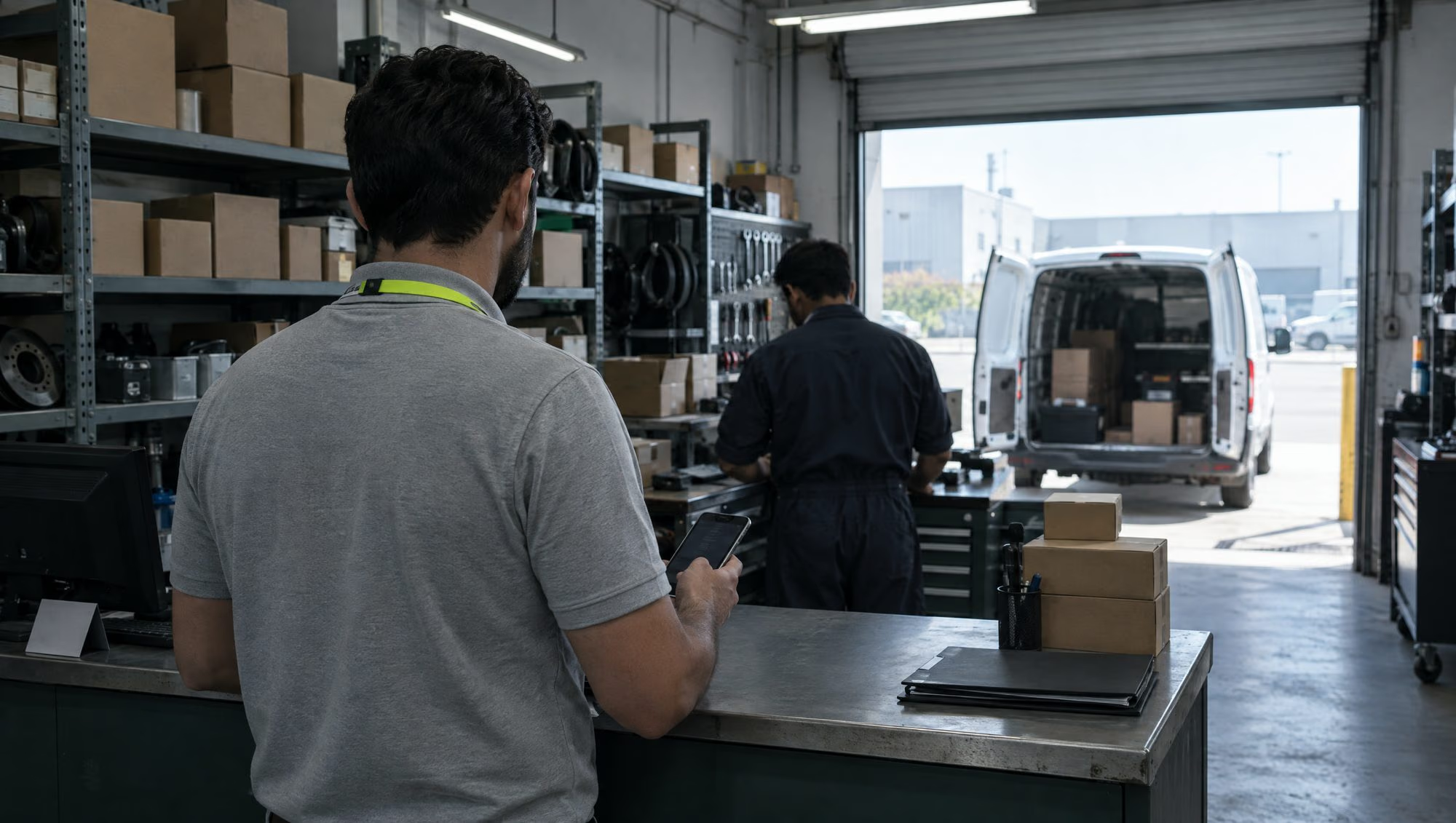
Say how you met: a site visit, a client meeting, a daily sales visit, a referral or an event. Each can have its own questions, set by your admin, so a rep on a customer's site is asked what matters there.

  • Your own questions, some of them required
  • Managers see leads by how they were met

For field sales teams

No signal

Offline is normal, never an error

Plant rooms, basements, car parks and exhibition halls have no signal. Everything you capture is saved and encrypted on the phone and sends itself when the signal returns.

  • Leads, voice notes, tasks and check-outs all queue
  • Your leads and tasks open with no signal
More on lead capture

One company, one memory

Know when a colleague met them first

While you type, the app checks your whole workspace and your CRM for the same person. You see who met them, where, and what is open.

  • Works across every company and branch in a group
  • Nothing you captured is lost: you choose where it goes
How it works

While they still remember you

The right catalogue, by email or WhatsApp

Your approved wording, in English or Arabic, with the catalogue that matches what they asked about. You see when it was delivered and when their page was opened.

  • A reminder after a day with no follow-up
  • The manager is told after two days on a hot lead
More on follow-up

Field Presence · add-on

Visits on record, without tracking anyone

A rep starts a visit at the customer's gate and ends it on the way out. One location reading at each tap, never in between. The visit sits on the lead with its time on site.

  • No location? The check-in still goes through, and is flagged
  • Managers see who is on a visit, where and since when
More on Field Presence

For managers

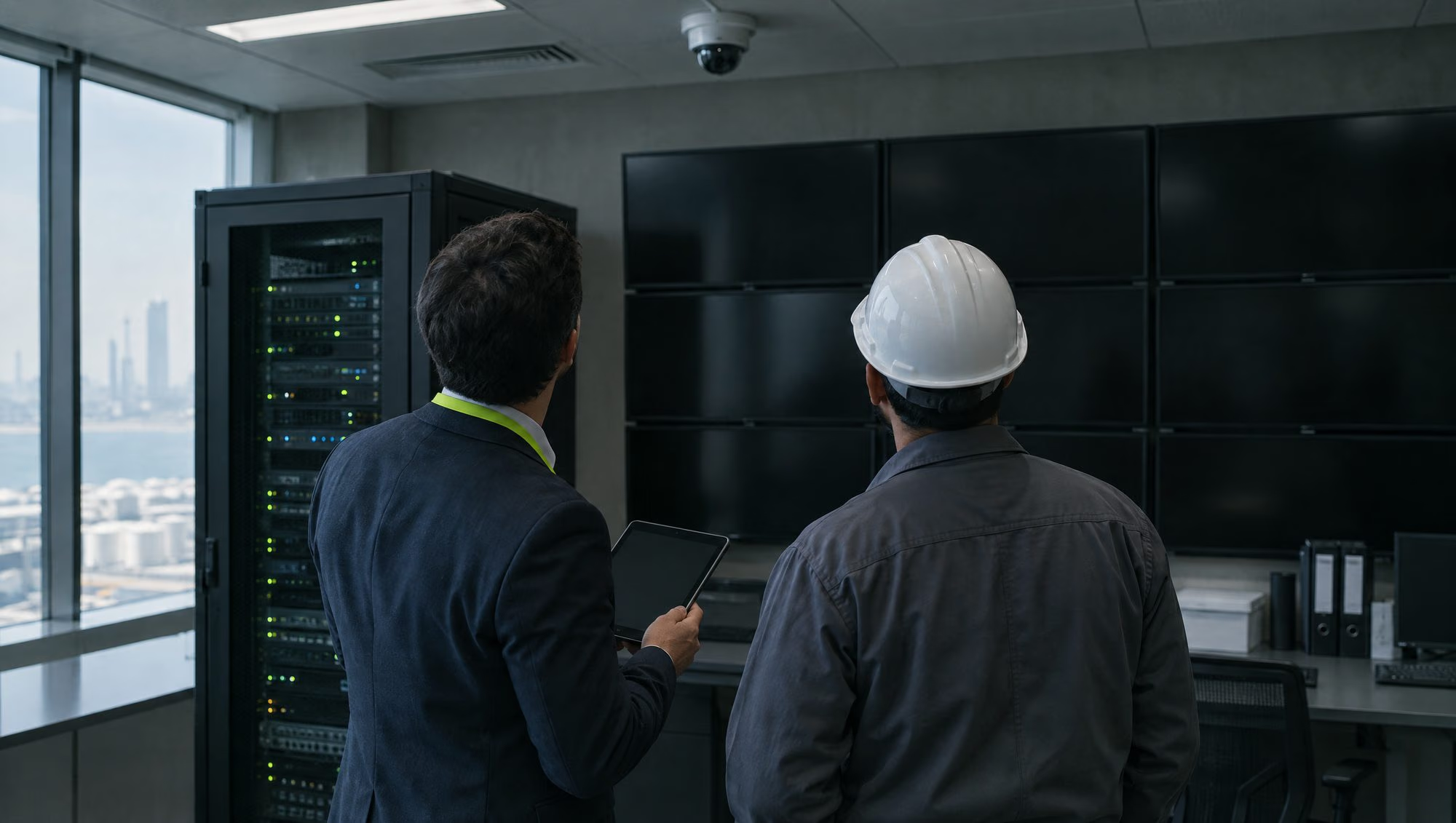
See the field while the day is still on

Leads, qualified and hot leads, pipeline by currency and how fast each lead got its first message, for a branch, a team or a period. Then who brought them in, and how they were met. At an exhibition, against its target.

More on teams and dashboards

Security and privacy

Your leads stay yours

How your data is kept
  • Kept apart

    Each customer's data is separated by the database itself, not only by the app.

  • Encrypted on the phone

    What waits on a phone for a signal is sealed, and forgotten at sign-out.

  • AI that keeps nothing

    Cards and voice notes go to AI set to zero data retention. A person approves the result.

  • Audited

    Admin changes, handovers and exports are all written to an audit log.

Questions

What people ask about SEL XP

What is SEL XP?

SEL XP is a lead capture and follow-up app for sales teams in the Gulf that sell face to face: on customer sites, on daily sales rounds and at exhibitions. Reps scan business cards in Arabic and English or note a lead in seconds, qualify it and send the follow-up by email or WhatsApp. The lead syncs to the CRM, and managers see the results live.

Is it only for exhibitions?

No. A lead does not need an event. The rep chooses how they met the person, such as a site visit, a client meeting or a daily sales visit, and everything else works the same. Exhibitions add tools of their own: targets for the show, the stand team and the event's own catalogues and wording.

How is it different from a business card scanner app?

A card scanner stops at the contact. SEL XP carries on: it qualifies and scores the lead, warns you if a colleague has already met the person, sends the follow-up with the right catalogue, sets the next task, syncs to your CRM and shows managers every team and rep live.

Does it work without internet?

Yes. Leads, voice notes, tasks and check-ins are saved and encrypted on the phone and sent when the signal returns. The Today, Leads and Tasks screens open with no signal. Reading a card with AI and sending an email need a connection, so those happen as soon as the phone is back online.

Which CRMs does it connect to?

Odoo, versions 16 to 19, is the first connector and is in pilot. Zoho CRM is next, followed by HubSpot, Salesforce and Dynamics 365. Any other CRM can take the spreadsheet export in the meantime.

Which phones and computers does it run on?

SEL XP runs today as a web app that installs from the browser on iPhone, Android, Windows and Mac. Reps use it on their phones, and managers and admins also use it at a desk. App Store and Google Play apps are on the way.

All questions

See it with your team

Leave every meeting with a next step.

Tell us how your team sells: on customer sites, on the road or at exhibitions. We will show you the app with your products, your team structure and your CRM in mind.

  1. What happens next
  2. Day 0You send the form. We reply within one working day.
  3. 30 minA call on your screen: capture, follow-up, CRM and what your managers see.
  4. Set-upWe build your workspace with you: companies, teams, products, wording.